The verdict
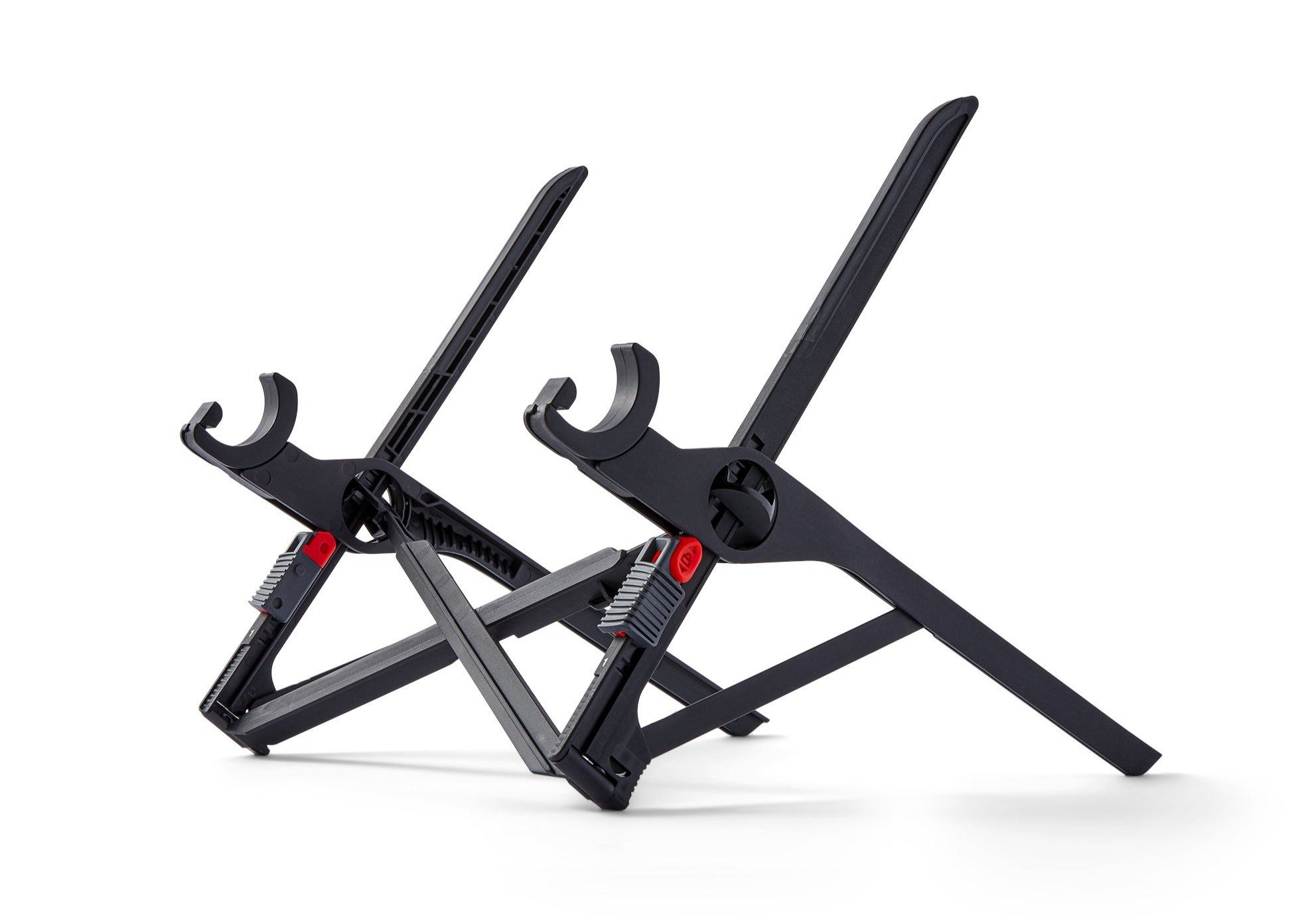
For most people, the decision is fixed versus folding. If your laptop lives on one desk, the Rain Design mStand and Twelve South Curve are one-piece aluminum risers that will outlast several laptops, and the mStand's six Mac-matched finishes make it the safest buy in the category. If you work from more than one place, nothing travels like the Roost V3 — six ounces, seven heights, and the most rigid frame we found in a folding stand — which is why it takes the top spot despite its premium price. Budget buyers are well served under $40: the Nexstand K2 delivers most of the Roost's ergonomics for less than half the money, and the Nulaxy C1 is the strongest of the Amazon-first adjustable stands. One caution: the obVus minder Tower 2.0 is a genuinely excellent sit-stand stand, but its maker's own web store is no longer operating, so it ranks on performance with an accountability warning attached.
Questions, answered
How high should a laptop stand raise my screen?
The top of the screen should sit at or slightly below eye level, with the screen roughly an arm's length away. For most seated adults that means a lift of about 6 inches, which is why fixed risers like the mStand (5.9 inches) and Curve (about 6.5 inches) are sized the way they are. Taller users, or anyone who wants to stand, need an adjustable stand — the Roost V3 and Nexstand K2 reach 12.5 inches or more of lift, and the obVus Tower 2.0 goes to 21 inches for full standing work.
Do I need an external keyboard and mouse with a laptop stand?
Yes, for anything beyond short sessions. Once a stand raises the screen to eye level, the laptop's own keyboard is too high and too steep to type on comfortably. Every stand in this ranking is designed to be used with a separate keyboard and mouse; several, like the mStand, even leave room to stash the keyboard underneath when you are done.
Fixed riser or folding stand — which should I buy?
Fixed one-piece aluminum risers (mStand, Curve, Soundance LS1) are the most stable and durable option and double as a heat sink, but they never leave the desk. Folding stands (Roost V3, Nexstand K2, Nulaxy C1, MOFT Z) trade a little rigidity for portability and height adjustment, and the best of them lose almost nothing in stability. Buy fixed for a permanent desk, folding if you ever work away from it.
Will these stands fit a large 16- or 17-inch laptop?
Most will. The mStand is confirmed by its maker for the 16-inch MacBook Pro, the Curve fits laptops at least 10.2 inches wide up to 7 lb, the Nulaxy C1 and obVus Tower 2.0 are rated for 10–17 inch machines, and the Roost V3's self-adjusting grips fit all makes and models. Check the two real limits before buying: front-edge thickness (the Nexstand K2 needs a front edge under 2.0 cm) and rated load, which ranges from 20 lb on the K2 to 22 lb on the MOFT Z and Nulaxy C1.
Prices shown are for the standard single stand — not bundles or multi-packs. Prices are typical US street prices observed during research and change often — check the retailer for the current price. ARI may earn a commission from links on this page; commissions never change a score. See the affiliate disclosure and methodology.