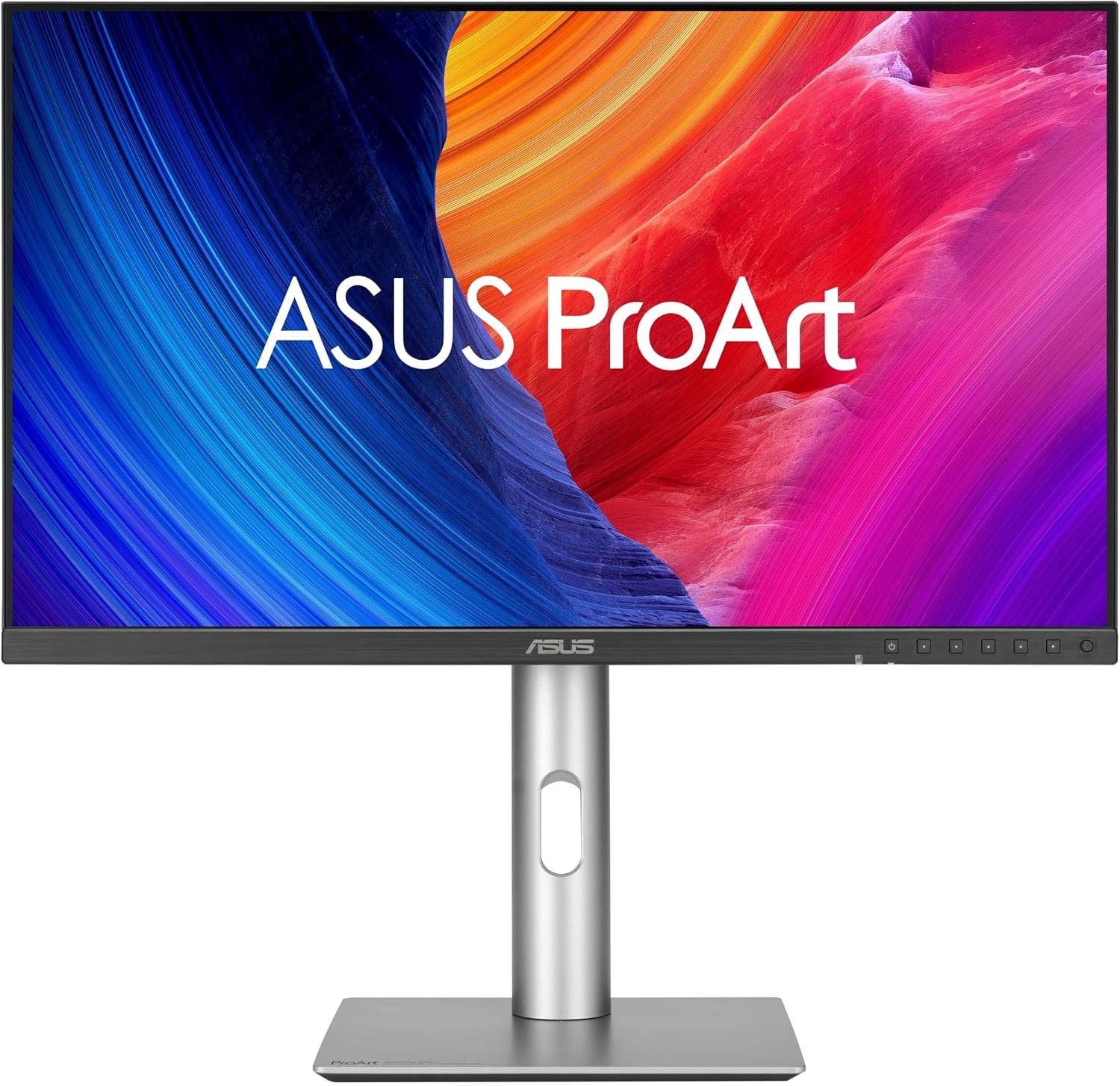
The verdict
For most Mac users the ASUS ProArt PA27JCV is the value story of this list — true 218 ppi 5K for $649 — but Apple's Studio Display remains the benchmark for brightness, camera, speakers, and one-cable integration. The Studio Display XDR stands alone for HDR reference work, the Dell U2725QE is the hub to beat, and the MSI Modern MD271UL proves a color-accurate 4K Mac setup no longer has to cost more than $300.
Questions, answered
Why does 5K matter for a Mac?
macOS is designed around pixel doubling. A 27-inch 5K display (5120×2880, 218 ppi) shows a 2560×1440 workspace with every logical pixel drawn by four physical pixels, so text and interface elements stay perfectly sharp. A 27-inch 4K display (163 ppi) usually runs a scaled 2560×1440 mode that looks good but renders slightly off-native, or a native 1920×1080 workspace that wastes much of the panel.
Is 4K sharp enough, or should I pay for 5K?
For text-heavy work at a normal desk distance, 5K at 218 ppi is visibly crisper and matches the density of Apple's built-in Retina displays. 4K at 163 ppi is a reasonable compromise — especially in the Dell and BenQ hub monitors — and costs hundreds of dollars less.
What happened to the Apple Pro Display XDR?
Apple discontinued the Pro Display XDR in March 2026 and replaced it with the 27-inch Studio Display XDR, which keeps the 5K resolution but moves to a mini-LED panel with 120Hz refresh, 2,304 local dimming zones, and Thunderbolt 5. Any Pro Display XDR still listed for sale is old stock; the Studio Display XDR is the current model ranked here.
How much charging wattage does my MacBook need from a monitor?
Every monitor here charges over the same cable that carries video. The 65W models (Alogic, MSI) handle a MacBook Air or a 14-inch MacBook Pro in normal use; 90–96W models cover a 16-inch MacBook Pro's standard charging; and the Dell U2725QE and Studio Display XDR deliver 140W, enough to fast-charge a 16-inch model.
Can I connect two of these monitors to one Mac?
Models with a Thunderbolt output port — the BenQ PD2730S and PD3225U, the Dell U2725QE, and both Apple displays — can daisy-chain a second display, subject to your Mac's external-display limit, which varies by chip. The USB-C-only models (ASUS, Alogic, MSI, LG) need a separate port or a dock for each screen.
Prices shown are for a single monitor in the size and resolution named in each product's title, with its standard stand and finish. Prices are typical US street prices observed during research and change often — check the retailer for the current price. ARI may earn a commission from links on this page; commissions never change a score. See the affiliate disclosure and methodology.